
7+ Best Free WordPress Classifieds Plugins in 2026
Check out the most popular free classified ads WordPress plugins.

Choose the right WordPress hosting provider for your website’s success.

Reliable web hosting is one of the key components of every successful website, helping to ensure your site remains live and performs well for users.
However, choosing the right hosting provider for your website may be difficult, especially if you’re new to the industry. That’s why we created this overview of popular WordPress hosting providers, covering everything from essential features to current hosting trends for you.
Please note that this article is not about rating, it’s an objective guide to help you explore your options. Every website has unique needs — from traffic volume and security requirements to budget constraints and technical expertise. Every WordPress website has unique needs, from traffic volume and security requirements to budget and technical skill level. Use this guide to understand what’s available and choose the provider that best fits your situation.
Let’s dive in!
Before moving to the list of providers, we’d like to briefly explain why choosing a reliable WordPress hosting is crucial for your website:
In a nutshell, a reliable WordPress hosting provider plays a vital role in your website’s success by ensuring uptime, speed, security, support, and scalability. So, you can’t put a price tag on hosting if you want a successful website and an excellent user experience for your visitors.
Understanding different hosting types helps you choose the right solution for your needs and budget. Here’s a quick overview of the main options:
When evaluating WordPress hosting providers, prioritize the following key factors:
Speed is an essential factor in the success of your website. A fast-loading website can better attract new users and keep them engaged, while slow-loading sites typically lead to higher bounce rates. Moreover, search engines like Google use page loading speed as a ranking factor, meaning better-performing websites often have a better place on SERP (search engine results pages).
Look for WordPress hosting providers that offer:
Additionally, consider the hosting plans that include SSD storage, as it can significantly improve your website’s performance compared to traditional HDD storage.
Your website’s security should be a top priority to maintain your reputation and ensure the privacy of your users (e.g., customer information, financial records, or confidential business data). First of all, look for WordPress hosting providers that offer essential security features such as:
Additionally, you can check our guide on how to secure a WordPress website without any tech knowledge.
As your website attracts more visitors and traffic increases, your hosting service should be able to handle this without any performance issues, ensuring that your website remains functional and well-performing under changing demands.
It’s particularly crucial when running a WordPress directory website or a service marketplace, as the number of listings will naturally grow over time, and it will be necessary to scale accordingly.
Moreover, if your WordPress hosting provider has good scalability options, your website can handle sudden traffic spikes, for example, during marketing campaigns or product launches, without having downtime or performance issues.
The next crucial point you should keep in mind when choosing a hosting provider is customer support. A helpful and knowledgeable support team can make all the difference when you are facing technical issues or needing assistance.
Fortunately, most WordPress hosting providers offer excellent support and are always ready to give you a hand. But in any case, it’s better to check if your provider:
Top-notch customer service and technical assistance can save you time and effort in resolving any issues. It’s especially important when something goes wrong with your website and visitors cannot access it, so you have to act quickly.
Found a WordPress hosting provider that looks promising? Here’s how to vet it before committing:
By following these tips, you’ll collect a lot of information about potential hosting providers and will be able to make a data-driven decision.
Now, let’s move forward, and we’ll show you some of the most popular WordPress hosting providers.
Here are some of the most popular WordPress hosting companies. Please note this is not a ranking but an objective review to help you make an informed decision based on your specific needs.
Also, keep in mind that in this overview, we are discussing only managed WordPress hosting plans. If you want to use other types of hosting (like VPS), please visit each provider’s official website.
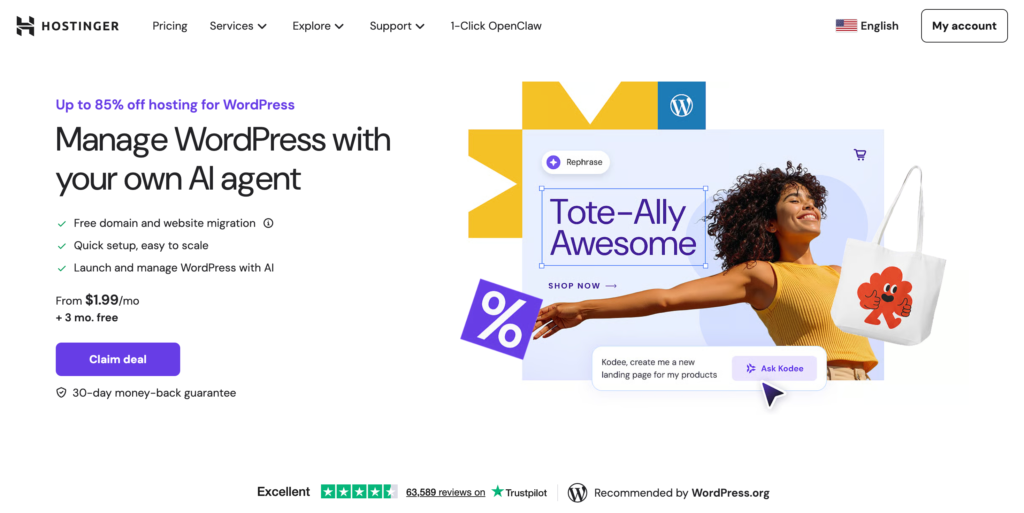
We’ll start our list with Hostinger. It is a web hosting provider that offers affordable and feature-packed plans for individuals and businesses. It has a team of over 1,000 people worldwide and focuses on in-house design and cloud hosting services. Hostinger has become one of the fastest-growing WordPress hosting companies in the world.
Hostinger follows current security industry standards with multiple layers of protection:
Visit Hostinger’s official documentation for complete details on their security measures.
With Hostinger, it’s possible to scale your website hassle-free by upgrading your plan as your website grows and traffic increases.
Thanks to the many data centers located in 8 countries (France, the Netherlands, Lithuania, the United Kingdom, Singapore, India, the USA, and Brazil), the provider can scale resources more effectively by distributing the load across data centers, which ensures fast loading speed and scalability.
There are three managed WordPress hosting plans that you can choose from. Some of the features include:
Please note that the price of each plan increases upon renewal. The listed pricing is based on a 48-month subscription period. You can choose a shorter subscription term if preferred, however, the monthly cost will be higher compared to the 48-month plan.
| Monthly Price | $1.99 – $6.99 |
| Free domain name | ✔️ |
| Free SSL | ✔️ |
| 24/7 customer support | ✔️ |
| Free trial/Money-back guarantee | ✔️ |
| Uptime | 99,9% |
| Storage | 20 GB SSD – 100 GB NVMe |
| Bandwidth | Unlimited |
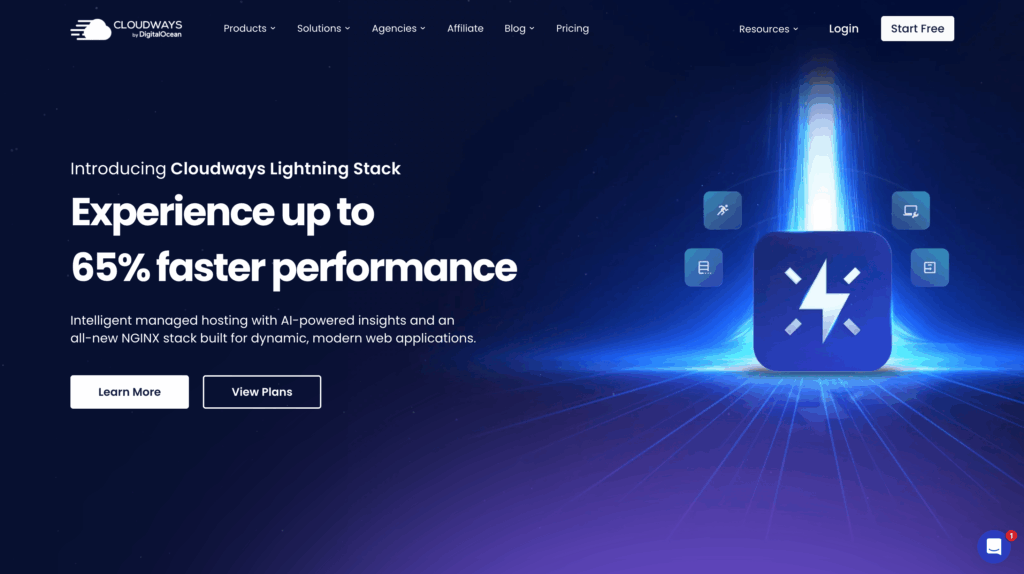
Up next is Cloudways. It is a managed cloud hosting service that offers a simple and intuitive platform for hosting your WordPress website.
With Cloudways, you can choose from the leading cloud servers, including Amazon Web Services, Google Cloud, and DigitalOcean, and make your website “live” with just a few clicks. Another cool feature about Cloudways is that you can choose a plan that allows you to pay only for the server resources you use without any additional costs.
When it comes to security, Cloudways offers a variety of security features to keep your WordPress website safe and protected from potential threats, including:
To check all Cloudways’ security measures, please visit the official website to get more information.
If you are lucky and your WordPress website starts gaining a lot of traffic, you’ll need to scale your website to cope with the increased traffic.
The hosting provider mentioned that upgrading your server at Cloudways is not a problem. The infrastructure is built to offer greater flexibility to scale up any server vertically. Simply saying, you can easily request adding more computing power (CPU, Memory, and Storage) to your existing server.
Also, Cloudways offers a choice of over 65 worldwide data centers in locations across Europe, the Americas, Asia, and Australia.
Cloudways uses pay-as-you-go pricing based on selected resources and cloud provider. For example, on DigitalOcean:
All Cloudways plans support unlimited websites and unlimited monthly visits, limited only by the plan’s server resources. You can check all the features of each plan by visiting the official website. AWS and Google Cloud options cost more but offer premium infrastructure.
| Monthly Price | $14 – $99 |
| Free domain name | ❌ |
| Free SSL | ✔️ |
| 24/7 customer support | ✔️ |
| Free trial/Money-back guarantee | ✔️ |
| Uptime | 99,9% |
| Storage | 25GB – 160GB |
| Bandwidth | 1TB – 5TB |

SiteGround is another widely known WordPress hosting provider that’s got great feedback from users. They offer reliable and secure hosting with a focus on speed and excellent customer support. Also, this provider is known for its user-friendly interface and easy-to-use tools, making it a good option for beginners.
At the time of writing, SiteGround hosts over 3 million domains worldwide. Moreover, it used to be one of the top choices recommended by WordPress, which speaks for itself.
Any SiteGround hosting plan comes with a range of security features to keep your WordPress website safe, such as daily backups and a web application firewall (WAF).
Additionally, there’s a free security plugin that allows you to prevent different threats such as brute-forcing, compromised login, code vulnerability attacks, data theft and leaks, etc. Feel free to learn more about the SiteGround security plugin.
SiteGround offers scalable hosting plans that allow users to easily upgrade or downgrade their plans based on their website needs. Additionally, you can enable handy features like automatic scaling, which ensures that websites can handle increased traffic without any downtime.
Currently, SiteGround has data centers in the following locations: the US, the UK, Spain, the Netherlands, Germany, France, Australia, and Singapore.
There are three hosting plans for their WordPress-managed hosting:
Please note that the price increases several times after renewal. To learn more about hosting plans, please visit the official website.
| Monthly Price | €2.99 – $8.49 |
| Free domain name | ✔️ |
| Free SSL | ✔️ |
| 24/7 customer support | ✔️ |
| Free trial/Money-back guarantee | ✔️ |
| Uptime | 99,9% |
| Storage | 10 GB – 100 GB |
| Bandwidth | Unmetered |

Now let’s take a look at WP Engine, a WordPress-only managed hosting company, meaning everything they do is built around WordPress. Because it’s exclusively focused on WordPress, WP Engine has spent years fine-tuning its platform for optimal WordPress performance, security, and reliability.
WP Engine is one of the most popular WordPress hosting solutions (that has more than 1.5 million clients) because it’s already pre-configured and optimized for WP websites.
WP Engine applies different security measures to protect your WordPress website, and here are a few of them:
Learn more about WP Engine’s security environment.
Similar to Cloudways, which we mentioned earlier, WP Engine has cloud hosting through Amazon Web Services and Google Cloud. Thanks to these partnerships, scaling your website should not be a problem.
You can simply upgrade or downgrade your hosting plan, depending on your website’s needs and requirements, to handle traffic spikes.
WP Engine organizes plans by site count and traffic volume:
Enterprise plans with custom configurations are available for larger deployments. Feel free to learn more about the features of each pricing plan.
| Monthly Price | $30 – $276 |
| Free domain name | ❌ |
| Free SSL | ✔️ |
| 24/7 customer support | ✔️ |
| Free trial/Money-back guarantee | ⚠️ |
| Uptime | 99,9% |
| Storage | 10 GB – 50 GB |
| Bandwidth | 50 GB – 500 GB |
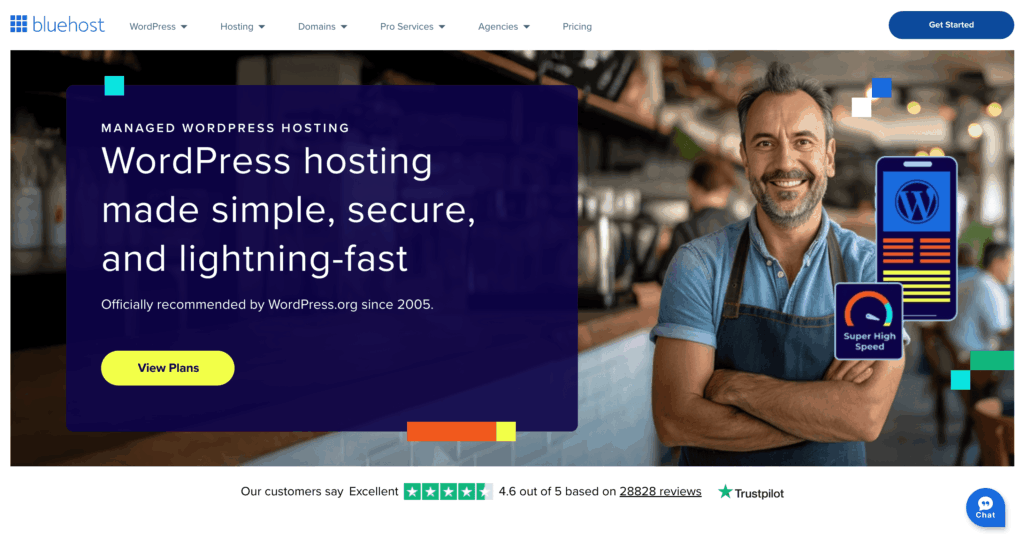
Bluehost is one of the largest and most recognized hosting providers, serving over 2 million websites. As one of the few hosts officially recommended by WordPress.org, Bluehost offers a beginner-friendly experience with extensive WordPress integration.
While Bluehost provides solid value for basic needs, users should be aware that it falls slightly behind specialized providers in certain advanced features.
Bluehost includes these security features in all WordPress hosting plans:
To make your website more secure, you can get SiteLock for an additional price. It is an add-on service for monitoring, identifying, and preventing potential threats to your websites.
The official website lacks detailed information about Bluehost data centers, but it says there are 6 in different parts of the world.
Unfortunately, compared to other providers, Bluehost’s scalability options are a bit limited, so keep that in mind.
On the official website, there are 4 packages available for WordPress hosting:
Please note that pricing increases significantly after renewal. Check the official Bluehost website for current introductory rates and renewal pricing.
| Monthly Price* (increases after renewal) | $3.79 – $14.79 |
| Free domain name* (for the 1st year) | ✔️ |
| Free SSL | ✔️ |
| 24/7 customer support | ✔️ |
| Free trial/Money-back guarantee | ✔️ |
| Uptime | 99,9% |
| Storage | 10 GB SSD – 100 GB SSD |
| Bandwidth | Unmetered |
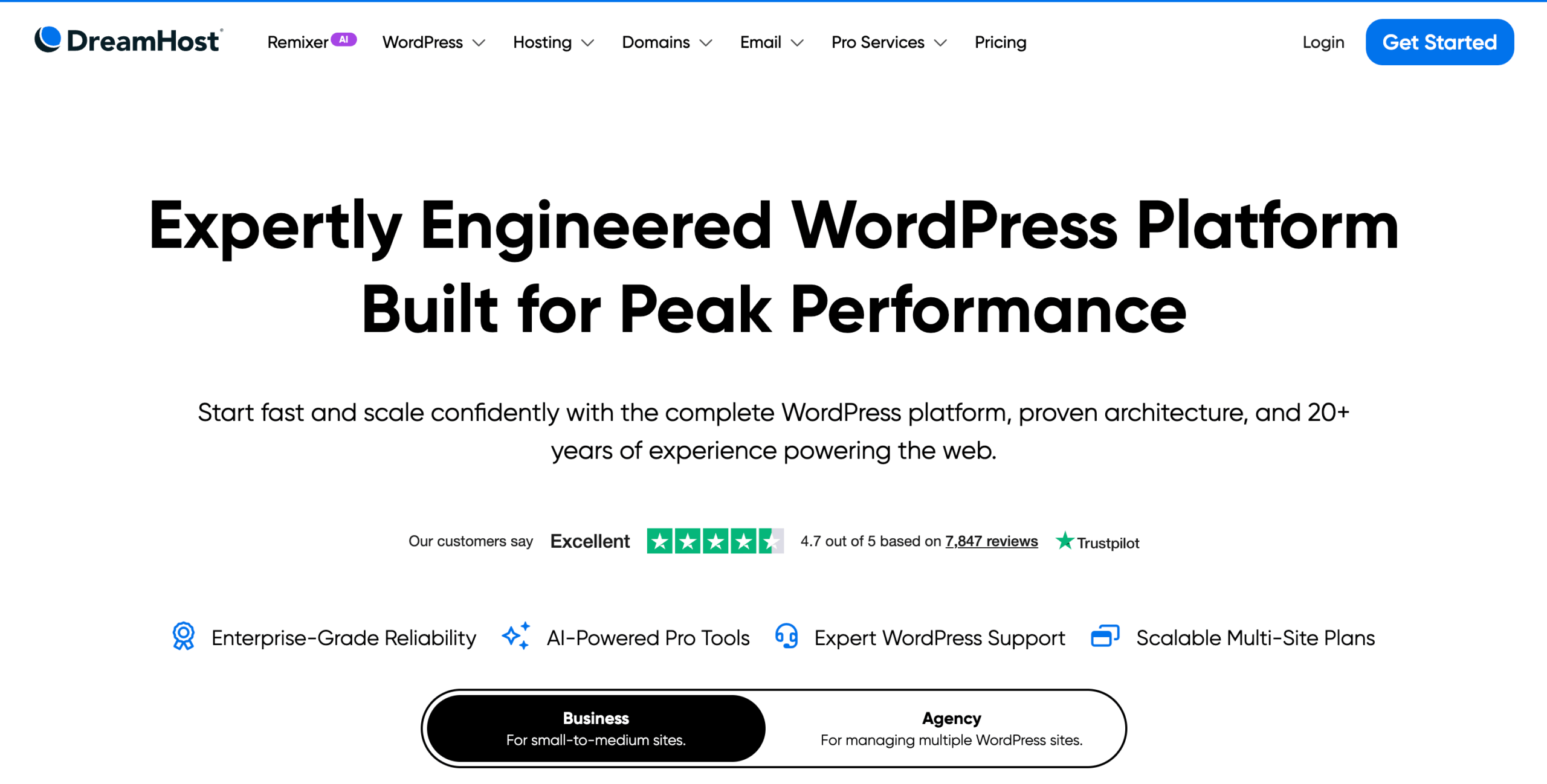
Closing out our overview, DreamHost is one of the few WordPress hosting providers officially recommended by WordPress.org, founded in 1997 and now powering over 1.5 million websites across more than 100 countries.
Its managed WordPress hosting product, called DreamPress, is specifically engineered for WordPress performance. In November 2025, DreamHost expanded DreamPress to support multi-site plans, making it a strong option for agencies and developers managing multiple WordPress websites.
DreamHost includes solid security features across its WordPress hosting plans:
Advanced security features like staging environments and on-demand backups are available on higher-tier DreamPress plans.
DreamHost’s infrastructure supports vertical scaling, and its DreamPress managed WordPress hosting plans make upgrading easy. Data centers are available in the US (East and West), Europe, and Asia-Pacific. DreamHost also offers a global CDN through its managed plans, helping maintain fast page loads for WordPress visitors regardless of their location.
DreamHost offers several WordPress hosting plans. The prices below are for the first year on an annual subscription, renewal rates are higher, so keep that in mind when comparing long-term costs:
All plans include: daily + on-demand backups, 1-click staging, CDN, failover protection, free professional site migration, WordPress pre-installed, unlimited mailboxes, and 24/7 WordPress expert support.
| Monthly Price* (increases after renewal) | $19.99 – $107.99 |
| Free domain name* (for the 1st year) | ✔️ |
| Free SSL | ✔️ |
| 24/7 customer support | ✔️ |
| Free trial/Money-back guarantee | ✔️ |
| Uptime | 100% |
| Storage | 15 GB SSD – 200 GB SSD |
| Bandwidth | Unmetered |
The cheapest option often becomes expensive through poor performance, security issues, or excessive downtime. Factor in the total cost of ownership, including time spent managing problems and lost business from slow speeds.
Many WordPress hosting providers advertise low introductory rates that double or triple upon renewal. Always calculate the long-term cost.
Confirm that backups are automatic, frequent, and easy to restore. Some “free backup” claims require manual initiation or complicated restoration processes.
Use trial periods to test actual performance. Run speed tests, contact support with questions, and evaluate the dashboard usability before the refund window closes.
Pick a WordPress hosting provider with clear upgrade paths. Migrating hosts is time-consuming and risky, better to start somewhere you can scale.
For more guidance on avoiding common issues, read our article about mistakes people make when starting a WordPress website.
That wraps up our overview of the best WordPress hosting providers. We hope this article was useful to you and now you have a better idea of the available options on the market.
Take your time, use money-back guarantees to test providers firsthand, and don’t be afraid to switch if a host isn’t working out. The best WordPress hosting is the one that fits your website today and can grow with you tomorrow.
By the way, if you haven’t decided yet which plugin to use to power your directory or marketplace website, you may want to read our article about the best directory WordPress plugins.

Check out the most popular free classified ads WordPress plugins.

A list of the most popular booking WordPress themes.

Create a freelance platform like Upwork or Freelancer using one of these freelance marketplace themes.